 signing
 go-tool-base
 Orienteering
There are plenty of guides for starting to sign your releases. I’ve written some of them.
There are almost none for the day you have to replace the key you have been signing with, and that’s the harder day, because every already-installed copy of your software is out there holding the old public key and checking each update against it.
Get the order wrong and self-update stops working for the people who haven’t updated yet, and they’re the group you can’t reach by shipping an update (a special kind of irony when you’re holding the fix). They’re stuck on a version that refuses the only thing that would unstick it, and your fix is on the other side of the gate.
I did this in July, forced rather than scheduled, slap bang in the middle of rebuilding the AWS organisation the old key lived in (not a week I’d choose to repeat). This is the public version of the runbook that came out of it.
Rule one: trust a set, not a key
The rest follows from this. If your verifier holds the public key, you get a moment where the old key is wrong and the new key is not yet installed, and that moment is an outage you can’t patch.
So the trust anchor is a set, and verification passes if any key in it validates the signature. In go-tool-base every .asc file dropped into cli/pkg/trustkeys/keys/ is embedded at build time, and that directory is the set a release can be signed by. Right now that’s two files, the old key and the new one (a third key is embedded alongside them, which I’ll come to, and it lives in a directory of its own for a reason).
The loader has one detail I’d happily see copied everywhere (it’s two lines of Go and I’d have missed it the first time round): it panics rather than return a partial set.
A walk or read failure over the embedded filesystem is a build-time corruption of the binary’s trust anchors, not a recoverable runtime condition — Keys panics rather than silently returning a partial or empty trust set, which would let verification fall open.
Think about what an empty trust set would actually do… there’d be nothing to check a signature against, and a verifier with nothing to check against has nothing to object to either, so everything passes. For a security gate that’s about the worst way to fall over, which is why it refuses to run at all.
Rule two: two sources of truth, and they must agree
One set is compiled into the binary. The other is published to WKD on a domain the code host doesn’t control.
If the only place to find your key is the same forge that serves your releases, an attacker who owns the forge owns both the artefact and the thing that vouches for it. A second anchor, published from somewhere the forge can’t write to, means owning the forge isn’t enough to publish a key on its own.
It only helps if the two agree, and “they agree” is checkable rather than assumed. Ask the live endpoint what it serves:
gpg --auto-key-locate clear,wkd --locate-keys [email protected]
Today that returns three certificates, and they match the three the binary embeds:
2B26658409047ED08B56CEBDCF5B8DBB5D9F19C2   rotation authority
6E2072BBF83DFAAF006300C495DDAC333C37AA35   signing key v1
E969F9AB167897D876B6A93AA44A36F8D7ACF36D   signing key v2
Two signing keys, both live, because that’s what an overlap looks like from the outside.
The sequence
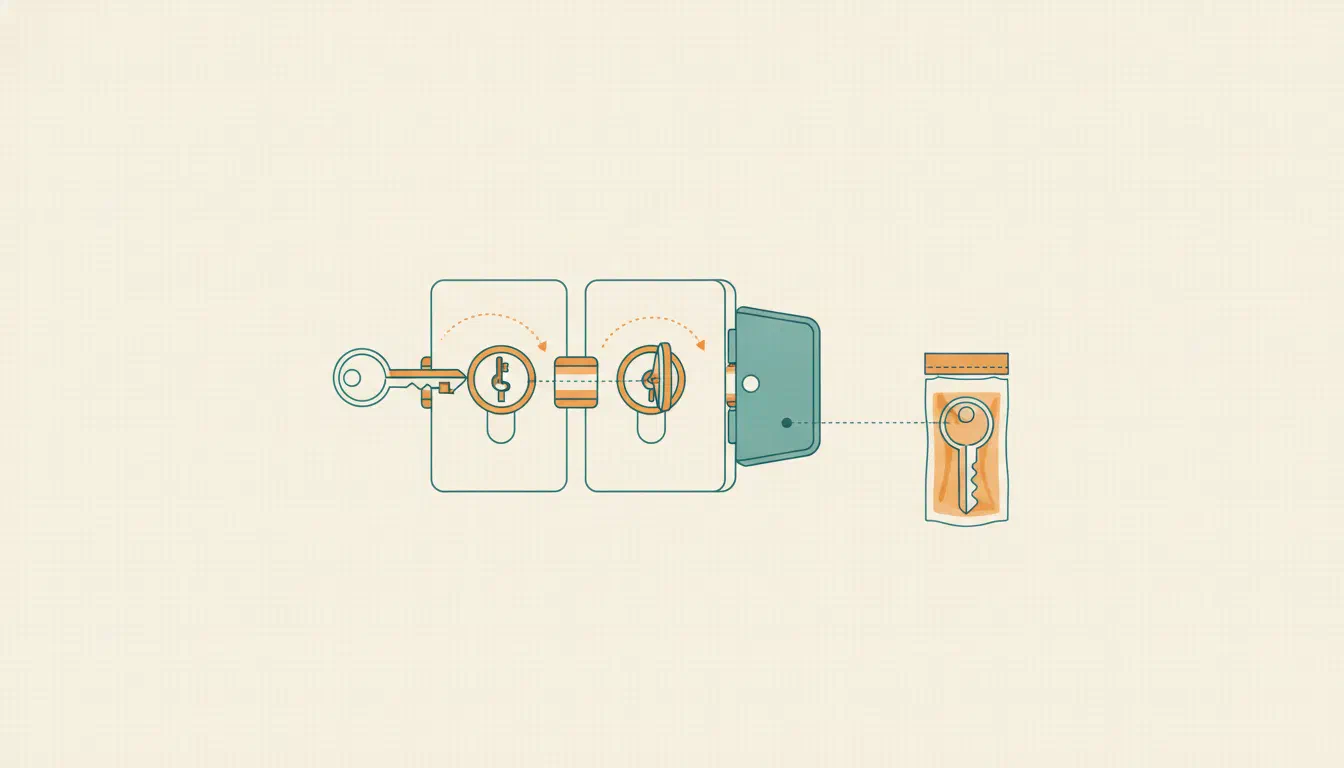
Get the order right and the rest is mostly typing. Each step is there to keep both anchors carrying both keys until, as far as you can tell, nothing in the field still needs the old one.
I ran the first three steps again for this post, against a pair of throwaway keys in a sandbox AWS account, so the output below is real (the address is example.com and both keys are long gone). The commands are sigillum’s, which signs most of my releases these days. It’s a single binary, so a release pipeline doesn’t need gtb, or even Go, to use it.
1. Mint the new key. The private half is generated inside KMS and never leaves it, so you’ve no secret to copy off a laptop. KMS makes the key, and sigillum keys mint wraps its public half in OpenPGP framing:
aws kms create-key --key-spec RSA_4096 --key-usage SIGN_VERIFY
aws kms create-alias --alias-name alias/throwaway-rotation-demo-new --target-key-id <key-id>
sigillum keys mint --backend aws-kms --key-id alias/throwaway-rotation-demo-new \
  --name "Demo Release" --email [email protected] --output new.asc
INFO Minted OpenPGP key backend=aws-kms key_id=alias/throwaway-rotation-demo-new output=new.asc creation_time=2026-10-20T19:59:01Z fingerprint=7DB8B8789E31B0787335E25174705B23EC61AE7F
Mint it under the same address the old key is published under. A WKD lookup is per address, so that’s what makes one lookup return both keys through the overlap. Mine all sit under release-v2@, which is why the lookup above comes back with three.
Two aws calls are fine for a walk-through, but for a key you’re going to live with I’d provision it as code. Mine come from the signing-kms module, which creates the key alongside a signer role that only a release pipeline can assume (through OIDC), so me, the soft squishy chair-to-keyboard interface, can’t accidentally sign anything with it. The catch is that minting makes one signature of its own, the certificate’s self-signature, so with the module the mint has to happen in the pipeline as well.
2. Publish the new key alongside the old one, before anything is signed with it. Into the embedded set (the .asc goes into cli/pkg/trustkeys/keys/), and into the WKD tree:
sigillum keys wkd old.asc new.asc --domain example.com --output ./wkd-staging
INFO  WKD bucket [email protected] hash=y84sdmnksfqswe7fxf5mzjg53tbdz8f5 keys=2
INFO  wrote path=wkd-staging/.well-known/openpgpkey/example.com/policy
INFO  wrote path=wkd-staging/.well-known/openpgpkey/example.com/hu/y84sdmnksfqswe7fxf5mzjg53tbdz8f5
INFO  WKD tree complete output=./wkd-staging method=advanced emails=1 files=2
One address, one bucket, keys=2. Both anchors now carry both keys. To a client nothing has changed yet, which is the point: you have widened what is acceptable before narrowing what you produce.
3. Dual-sign every release through the overlap. Sign with the old key, then --append a signature from the new one into that file:
sigillum sign --backend aws-kms --key-id alias/throwaway-rotation-demo-old \
  --public-key old.asc --output checksums.txt.sig checksums.txt
sigillum sign --backend aws-kms --key-id alias/throwaway-rotation-demo-new \
  --public-key new.asc --output checksums.txt.sig --append checksums.txt
That’s one armoured block with two signatures in it, and a client holding either key can verify. go-tool-base’s goreleaser config is the reference implementation: it signs the checksum manifest through a script, and during a rotation that script produces a signature under each key.
Checking that with plain gpg, from a keyring holding only the old key, gives you this:
gpg: Good signature from "Demo Release <[email protected]>" [unknown]
...
gpg: Can't check signature: No public key
The good signature is there, and gpg still exits 2, because it couldn’t check the other one. go-tool-base’s verifier passes if any key in the set validates (rule one again), so self-update sails through. Anyone verifying your releases with their own gpg --verify && install script doesn’t, and won’t for the whole overlap. I’d put a line in the release notes asking them to import the new key first.
4. Run both for a fixed window. A week, with a reminder actually set, not “until it feels done”. The window’s job is to let every consumer that updates on its own pick up a binary carrying the new key.
5. Only then retire the old one. Drop it from the embedded set, remove it from WKD, and the rotation is finished.
If I had to fit it on a sticky note on the monitor, it’d say publish before you sign, and sign both before you retire either.
The escape hatch has to ship before you need it
There’s a third key embedded, and it signs nothing… or at least it isn’t allowed to.
It’s the rotation authority: generated once on an offline workstation, no expiry, private half in a safe as an encrypted USB stick and a paper backup produced with paperkey. Two copies: a USB stick bit-rots and paper burns, and those are different failure modes.
Its job is the emergency the ordinary rotation can’t handle. The sequence above assumes you still control the outgoing key. When you don’t, because it’s been lost or compromised, there’s no overlap to arrange, and the authority key exists to sign a manifest that rotates the embedded trust set from underneath.
This is the reason the key was embedded long before anything could use it. A binary in the field can only ever be rescued by a key it already trusts. Ship the escape hatch after you need it and it isn’t in the copies that need rescuing, which are all of them.
So it went into the binary on the day the signing keys did, doing nothing, waiting. It lives in a directory of its own (authority/), and since a fix in October self-update will refuse a release signed by it. A key that’s only meant to rotate the others has no business vouching for a download.
The step I won’t automate
The WKD tree is deployed by hand. Built locally, pushed to Cloudflare Pages with wrangler, using an API token scoped to Pages: Edit alone, on an account administered with a different email and a different MFA factor from the forge and the cloud account.
That path has no CI in it, no webhook and no Git integration.
That’s an automation gap I put there and intend to keep. A second trust anchor is only any use if it doesn’t lean on the same things as the first, and wiring its deploy into the pipeline that builds the releases would hand both to whoever gets into the runners. An attacker who owns the build system could then publish a key that vouches for what they built.
The site isn’t the whole path, though. People find it by name, and DNS here is managed as code like everything else, so the name is the part that sits closest to CI. Pointing the key’s hostnames somewhere else needs code on a protected branch and a deploy run from a release tag (or my own token), and a check with no credentials asks those names every six hours what they’re serving. That’s narrower than the clean separation I first had in my head, and the Cloudflare post is how I found out.
Two minutes of typing, a few times a year, to keep the publishing step out of the pipeline (and I’m not about to automate two minutes away).
What it cost
The key work turned out to be the easy bit. What took the time was the consumers downstream catching up one at a time, each with its own release cycle and its own opinion about when to cut one… it’s a coordination job with a bit of cryptography attached, and I’d rather have worked that out before I started than on day four!